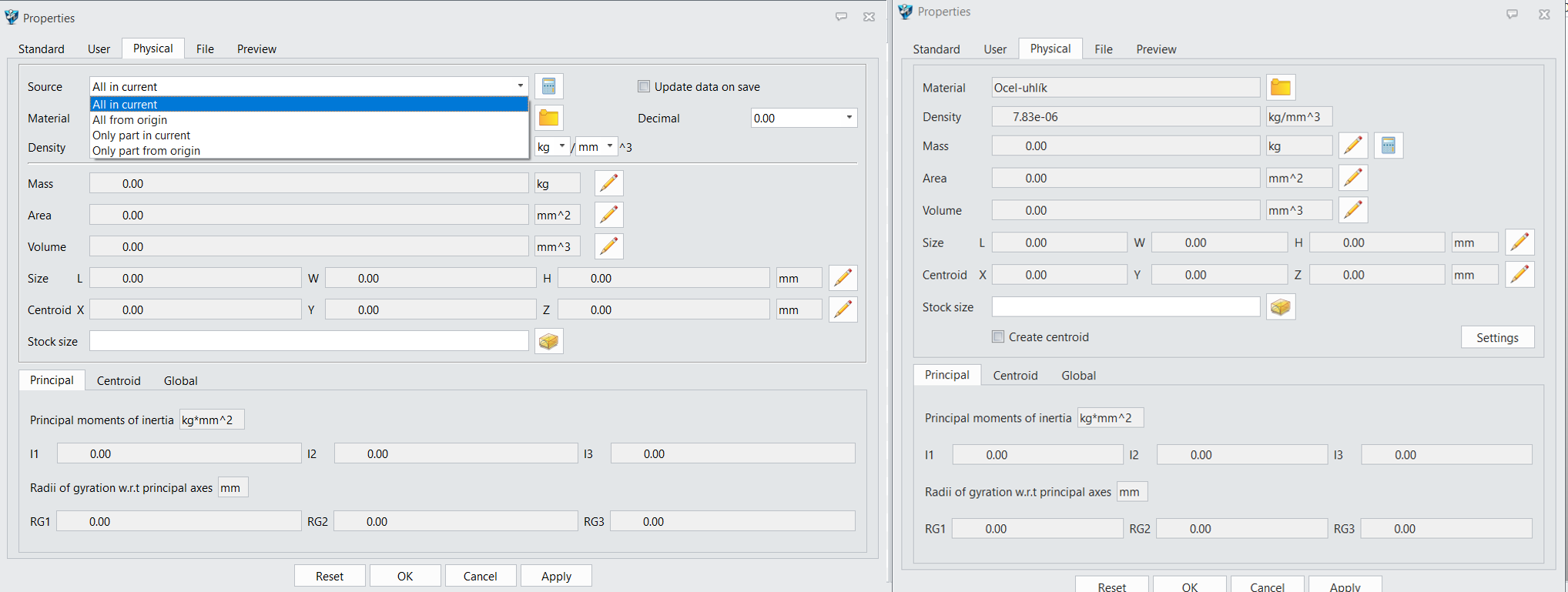
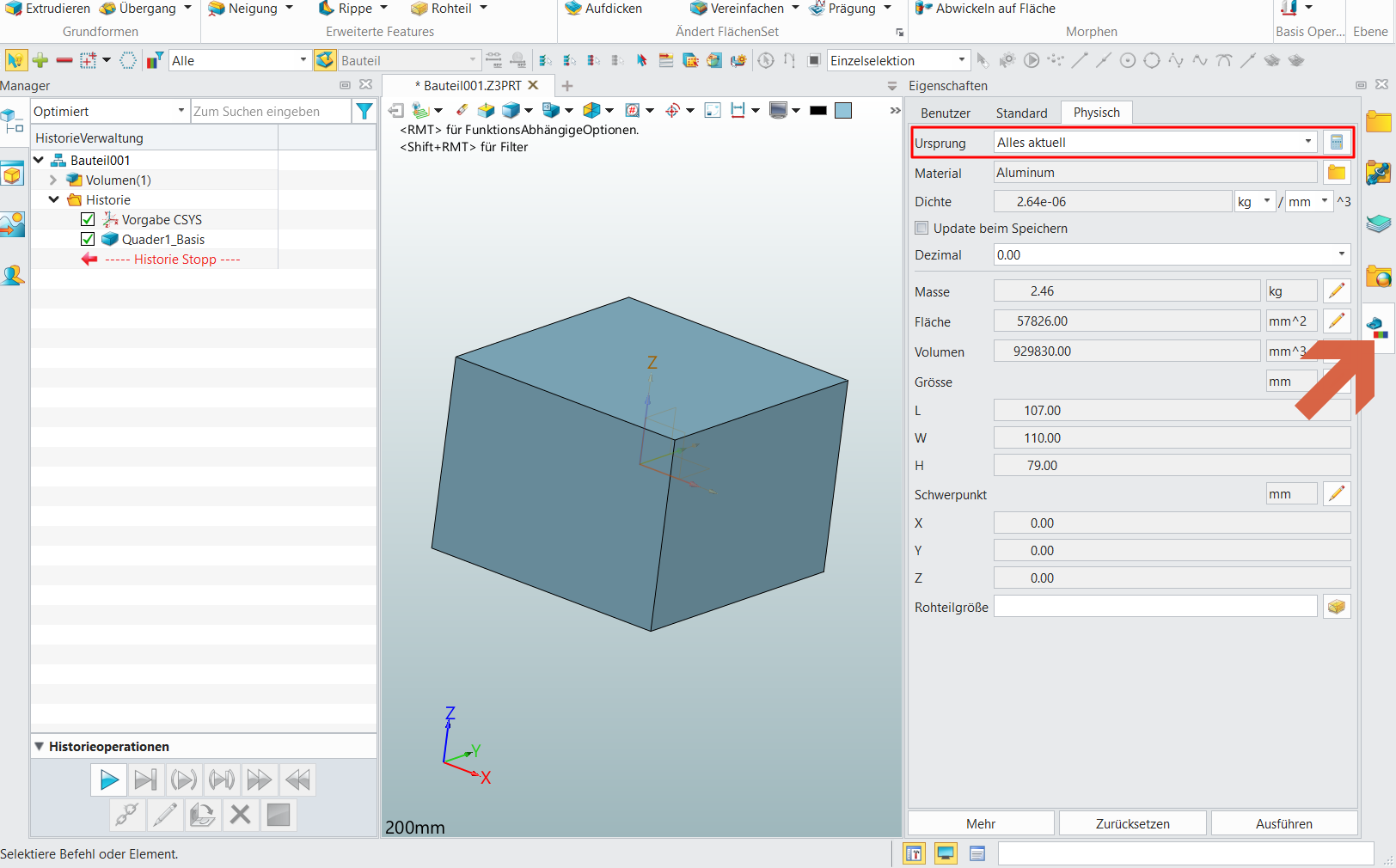
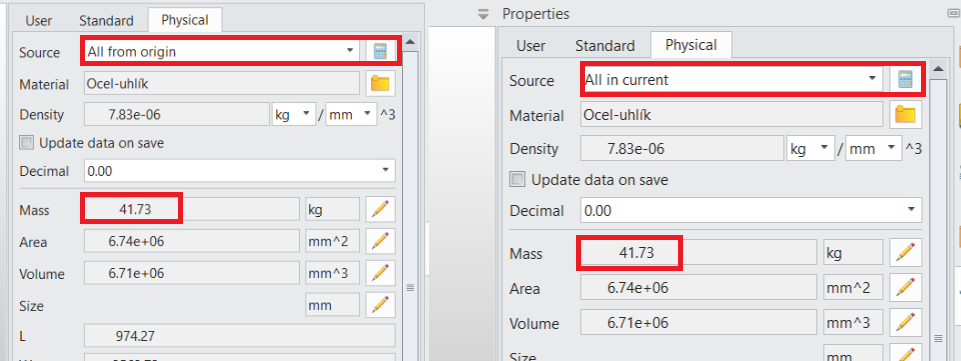
In ZW3D 2025 and earlier versions, in Physical properties there was Source option (All in current, All from origin, Only part in current…).
However, I noticed that I don’t see it in ZW3D 2026. Is something set wrong in my case? Or do you have idea how to display it again? Or any other function i can use?
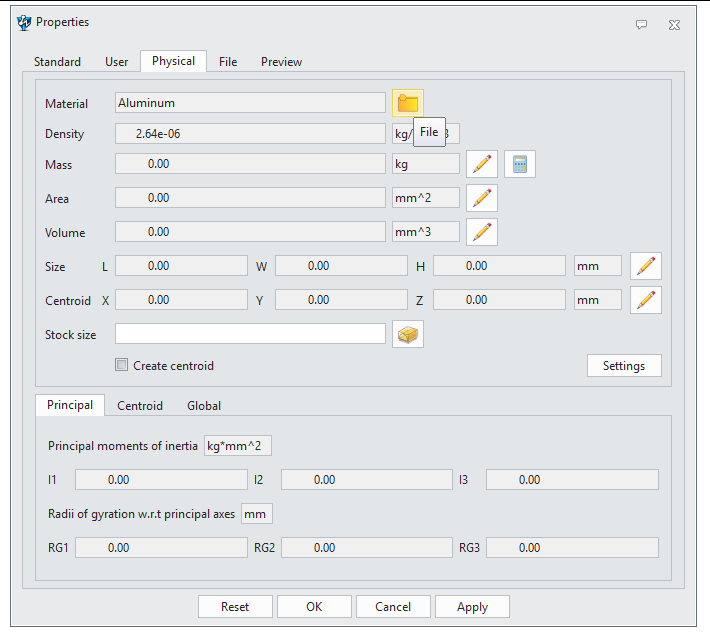
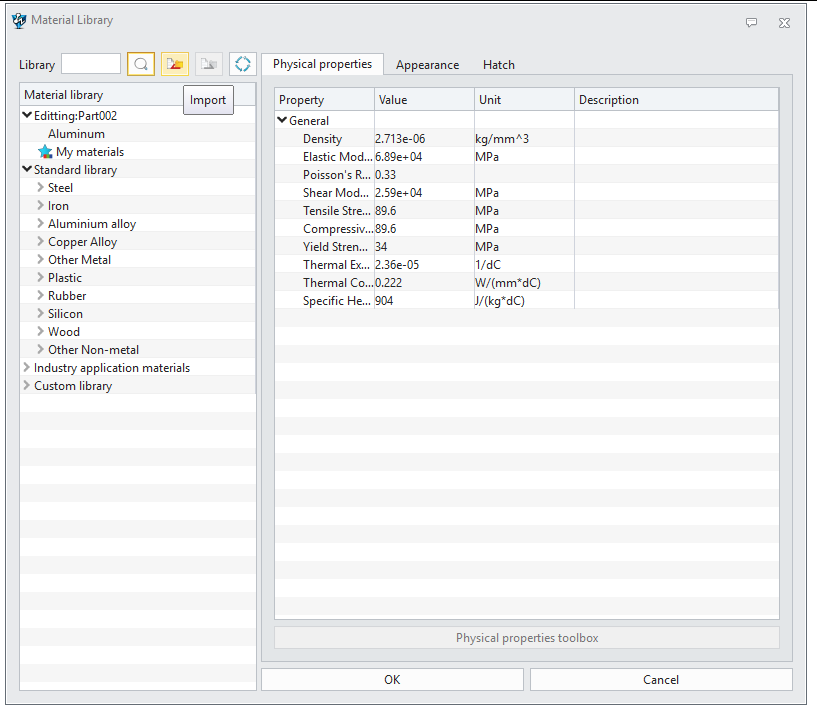
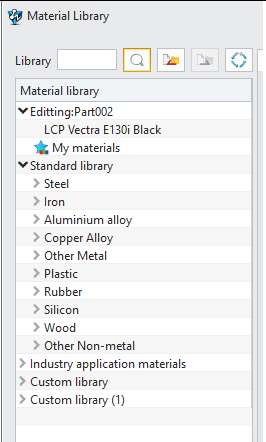
I have checked. If you select the folder icon you can import a matlib file.
I don’t have a material library file, so I could not this this, but may be this info will help
Regards,
Roland.
Hello Rolland,
thank you for your respond.
But i am not sure, if we understand each other :). I miss Source feature (with options All in current, All from Origin…). Or do you think it is somehow connected with matlib file?
THX Vojtěch
Thank you!
Anyway, is it working properly for you?
In my case, i have assembly with parts with different density, so there should be different total mass when i use All in curent and All in origin. But actually it isn´t. I have the same mass for both… Do you have same issue?