Hello,
is there any way to reuse all the files of a project Nr.1 in another project Nr.2 without the need to recreate the Assembly and the drawing from scratch?
Is there any tool for giving the Parts new part numbers?
Autodesk Inventor has the Tool Copy Design, that you can use from Vault.
Solidedge has also it’s own tool, so that you can Copy files with its drawings, and everything remain linked to each other. The parameters also are stil working with the new assembly and its drawing.
Where can I find such informations?
Can anyone tell me how to work with assemblies and its drawing the best way?
What is the best way to work with assemblies and drawings in ZW3D???
Many thanks in addvance!
Yasser
1 Like
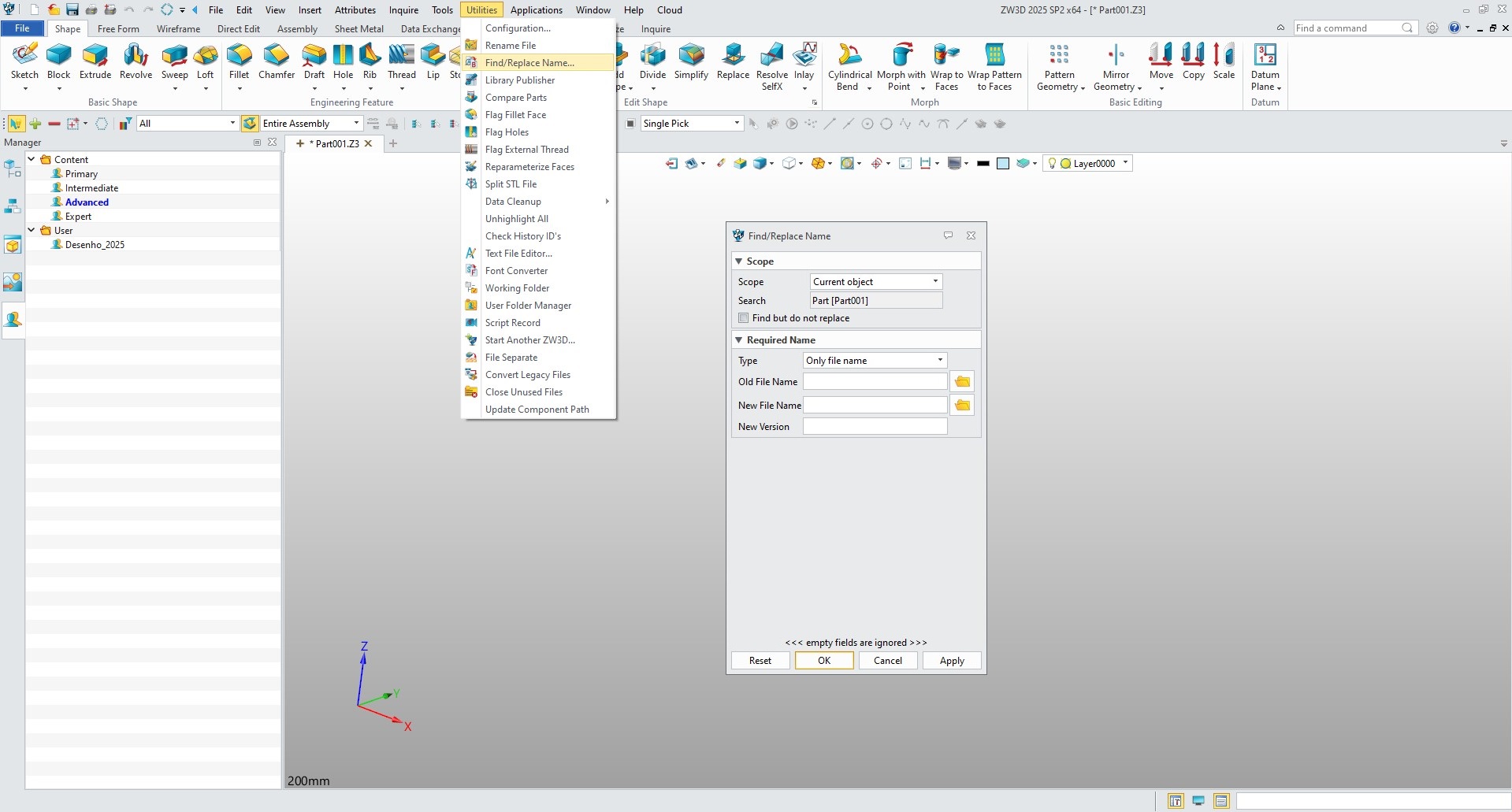
Thanks Manuel,
I know this method.
But It’s really not user friendly.
I don’t know if you know: “Solid Edge Design Manager”
Or in Autodesk Inventor and Vault, you have “Copy / Design”
Let’s say I have the following scenario:
I have an assembly: “A.Z3PRT”
In this assembly I’am using an emty file “Parameters.Z3PRT” that containns only the parameters, that are driving this assembly.
And I have the Drawing A.Z3DRW
All the 3 files are saves in the Folder “A”.
I would like to Copy all these files including the Drawing A.Z3DRW in another Folder “B”
I was able to Copy the assembly “A.Z3PRT” with it’s Parameters.Z3PRT to the Folder B.
But all the 3 Files have still the same file names, because i’m stil using ZW3D 2019.
Renaming is only possible for the all the files except the Drawing files, that I have to rename myself.
And I have to replace the file A.Z3PRT in the Drawing to get everything right.
I there any Video that shows, how realy companies are dealing with such problems?
Many thnaks in advance,
Yasser
Hi Manuel,
I have find a sollution.
You have to make sure, that the 2D view does not contain any dimension or any sketch or any thing else on it.
The 2D view has to be itself without anything on it.
Then you’ll be able to replace the part on the drawing with the renamed one.
That’s it.
I was looking for that information since a very long time!
Yasser