Hello everyone,
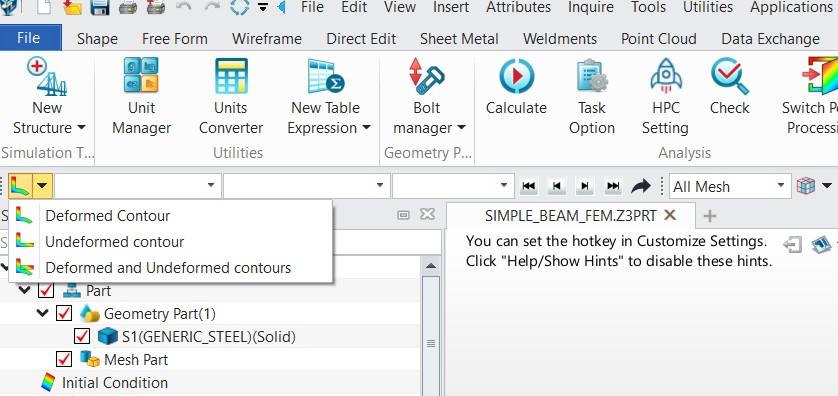
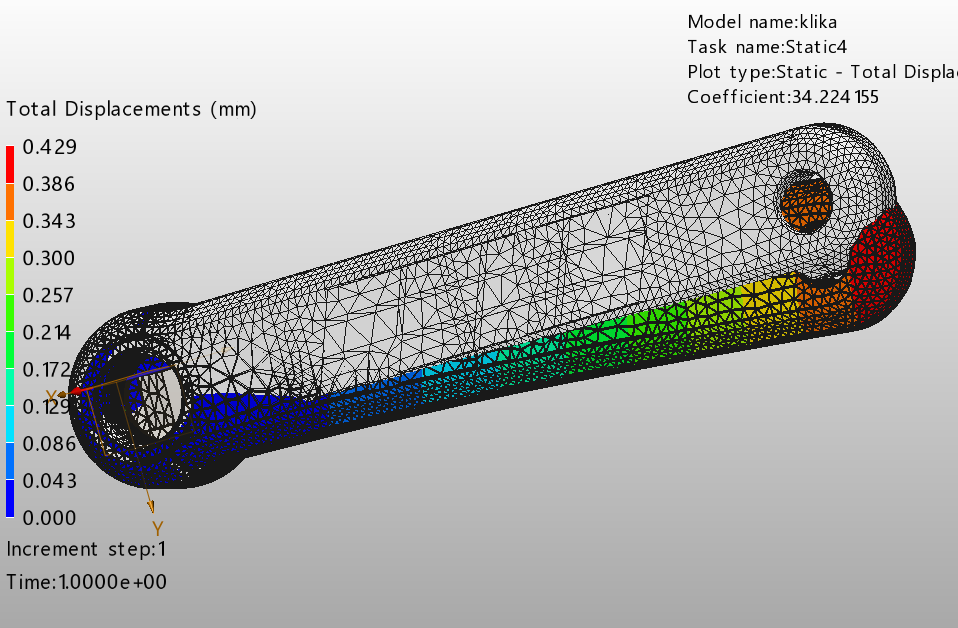
I have another question regarding static analysis using the finite element method (FEM). After calculating my task, the graphical result is displayed. And then two shapes - 1. deformed with color graphical analysis, 2. original part (undeformed).
The problem is that I don’t see the full graphical color result - right in the places where the deformed part is covered by the original shape.
Then it’s quite confusing when I don’t see the deformation in all nodes/surfaces.
I haven’t figured out how to hide the original component, nothing works for me.
Do you have some advice?
Thank you!