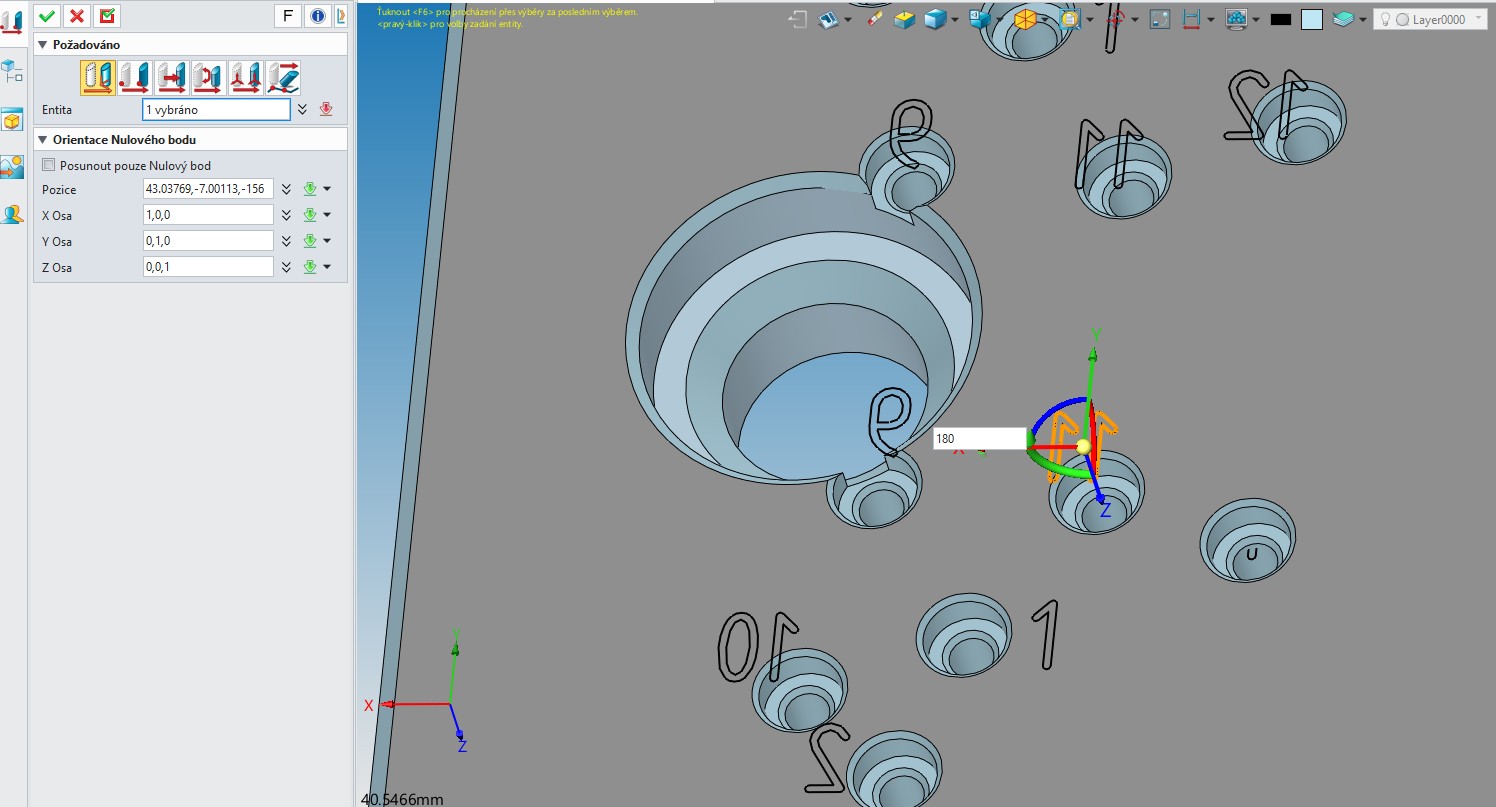
Hi, know anybody how to flip direction during Dynamic Move? Now, when I want to rotate entity (body, text, etc) 180°, I have to enter value 180. Is there another way how to flip direction without value enter? For example in NX it is by simply double click to vector arrow.
Ahoj, This function I know, of course. But move by dragging is not accurate and fast. It requires precise mouse movements to stop at the desired point. The dynamic rotation (move) step is too small - 1 gegree. I couldn’t find anywhere the option to set step e.g. 45 degrees. I found command “Size step” (icon with two foots), but is not function = without any change on movement.
Petr