Hi, how can I define another (user) thread size that is not in the command menu? For mould cooling channels I often use thread hole M10x1 - but this is not in menu. Now I use M10x1,25 and then in drawing manually rewrite dimension text to “M10x1”. This is not user-friendly. How can I add this size (or other sizes) to hole menu?
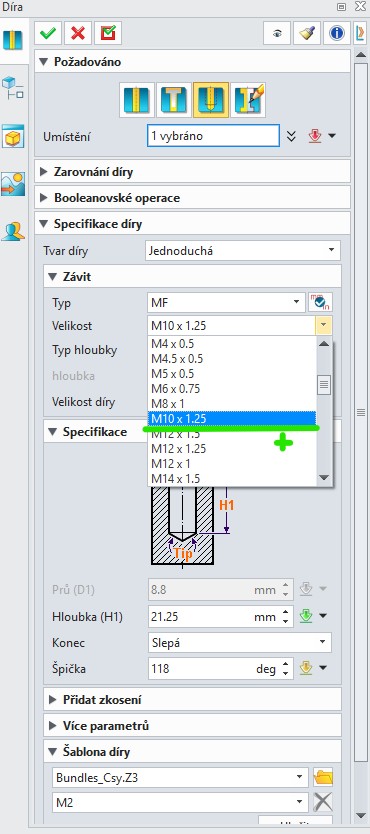
Go to this directory:
C:\Program Files\ZWSOFT\ZW3D 2025\languages\en_US\resource
you will see the file “Bundles.Z3”
you can add the threads you want. Make a backup first 
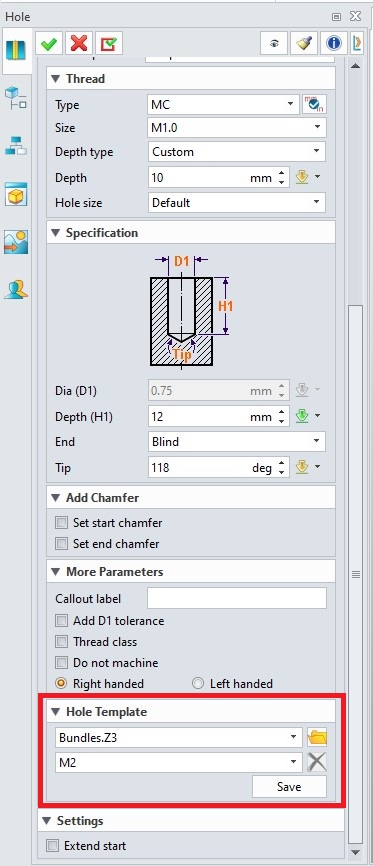
1 Like
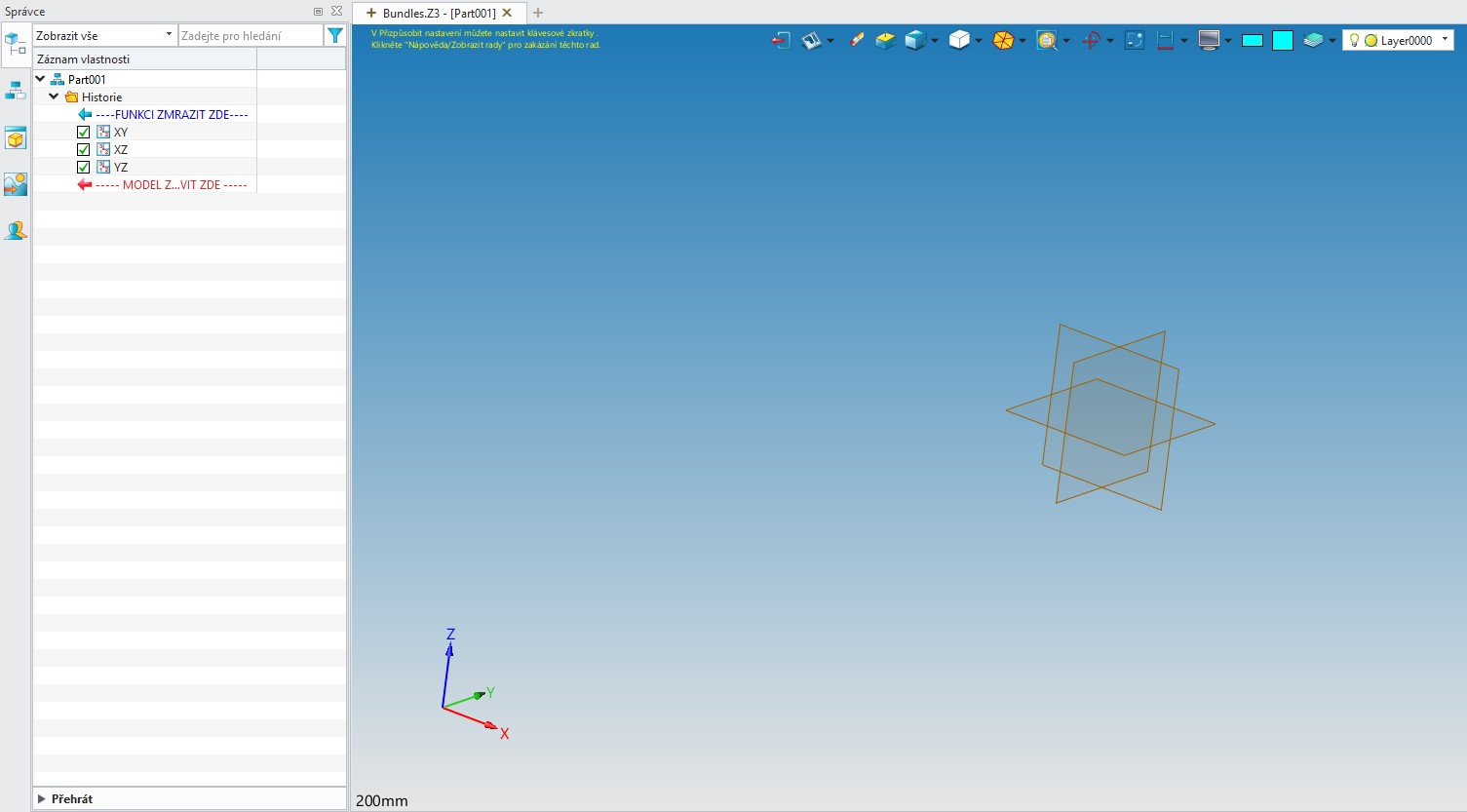
Hi Manuel, I found file Bundles.Z3, but this file is empty (see pic). Maybe I’m doing something wrong (for modeling I don´t use Z3 file - I use separate “standart” ZDRW, ZPRT…). Next: I don´t understand the function (you marked in red) “Hole template”.
Hi,
In the threads.xml file you mentioned in the other post, if you copy and paste a line and change it to the values you want, the thread you just created will appear in the menu.
Tested on the other post.  This is exactly what I needed. Works perfectly! Many thanks
1 Like